teams-photo · 5 min
Teams and Slack profile photos: the portrait that works every day
In Teams, Slack and internal directories, your profile photo is not decoration. It reduces friction, clarifies your presence and builds everyday credibility.
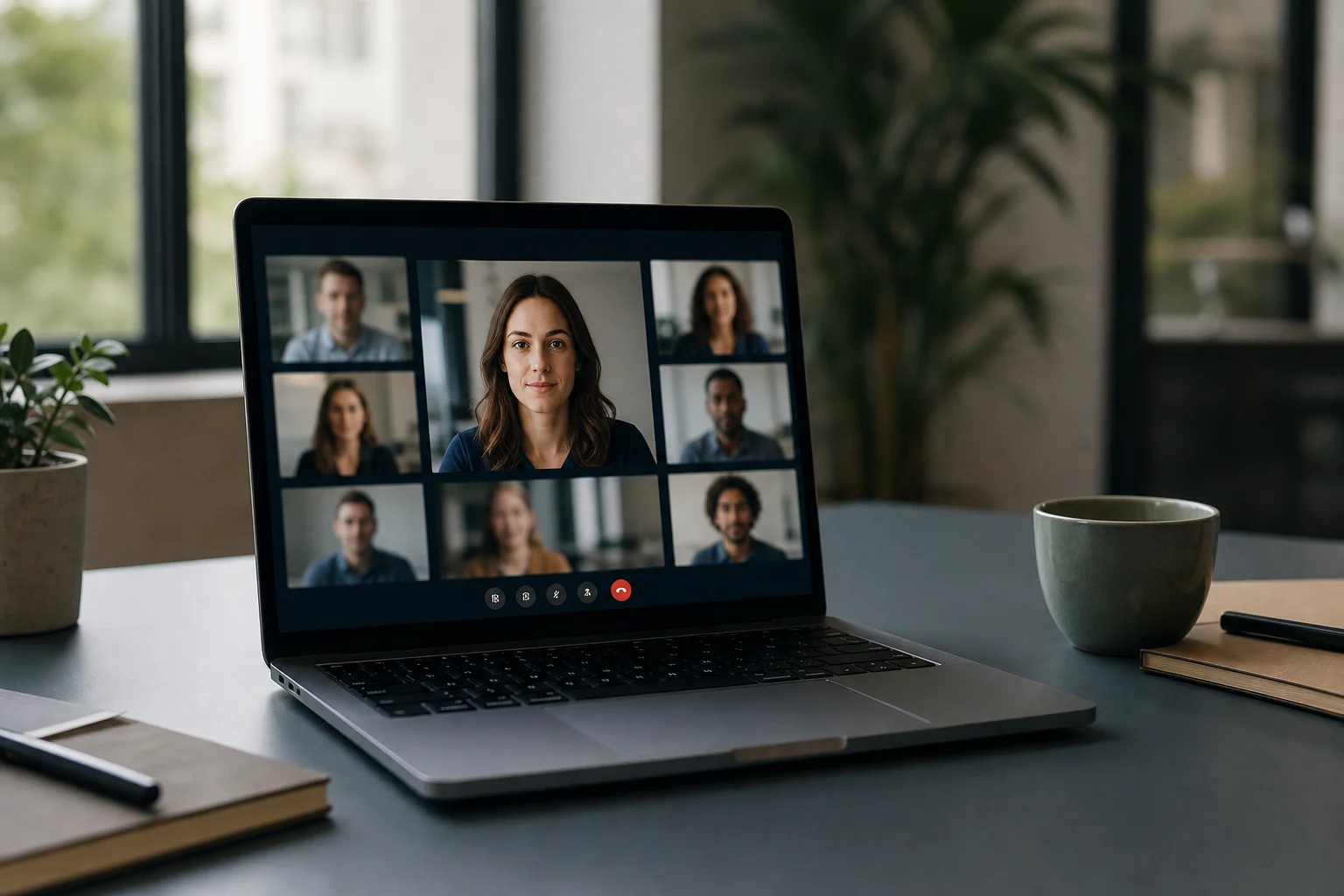
A good Teams or Slack photo is not just a smaller LinkedIn headshot. It is a daily work image: it needs to stay readable in a tiny avatar, reassure people in meetings, help colleagues identify you in messages, and keep your internal presence consistent.
LinkedIn photos get attention because they shape a first impression before a meeting. Internal profile photos work after that point. They follow every message, meeting invite, search result and internal directory card.
Why does an internal profile photo matter?
In a physical office, people recognise you through your face, posture, voice and presence in space. In Teams, Slack or a Microsoft 365 directory, much of that disappears. What remains is a name, a role, a status dot and a profile photo.
That photo is not decorative. Slack presents profile photos as a way to help workspace members know who you are. Microsoft documents the profile photo as part of the identity visible across Teams and related services. The mechanism is simple: the more stable and recognisable the face, the less mental effort the team spends figuring out who is speaking.
How is it different from a LinkedIn photo?
A LinkedIn photo needs to convince a stranger. A Teams or Slack photo needs to be recognised by people who see you repeatedly. Those are different jobs.
On LinkedIn, you can push authority: more polished lighting, stronger background, more intentional styling. In internal tools, the best portrait is often quieter. It should say: "this is me, you can identify me quickly, I belong in this professional context." Too much staging can feel distant. Too little care can suggest the internal space does not matter.
The useful middle ground is clear: less commercial than a public headshot, more controlled than a kitchen selfie.
The 32-pixel test
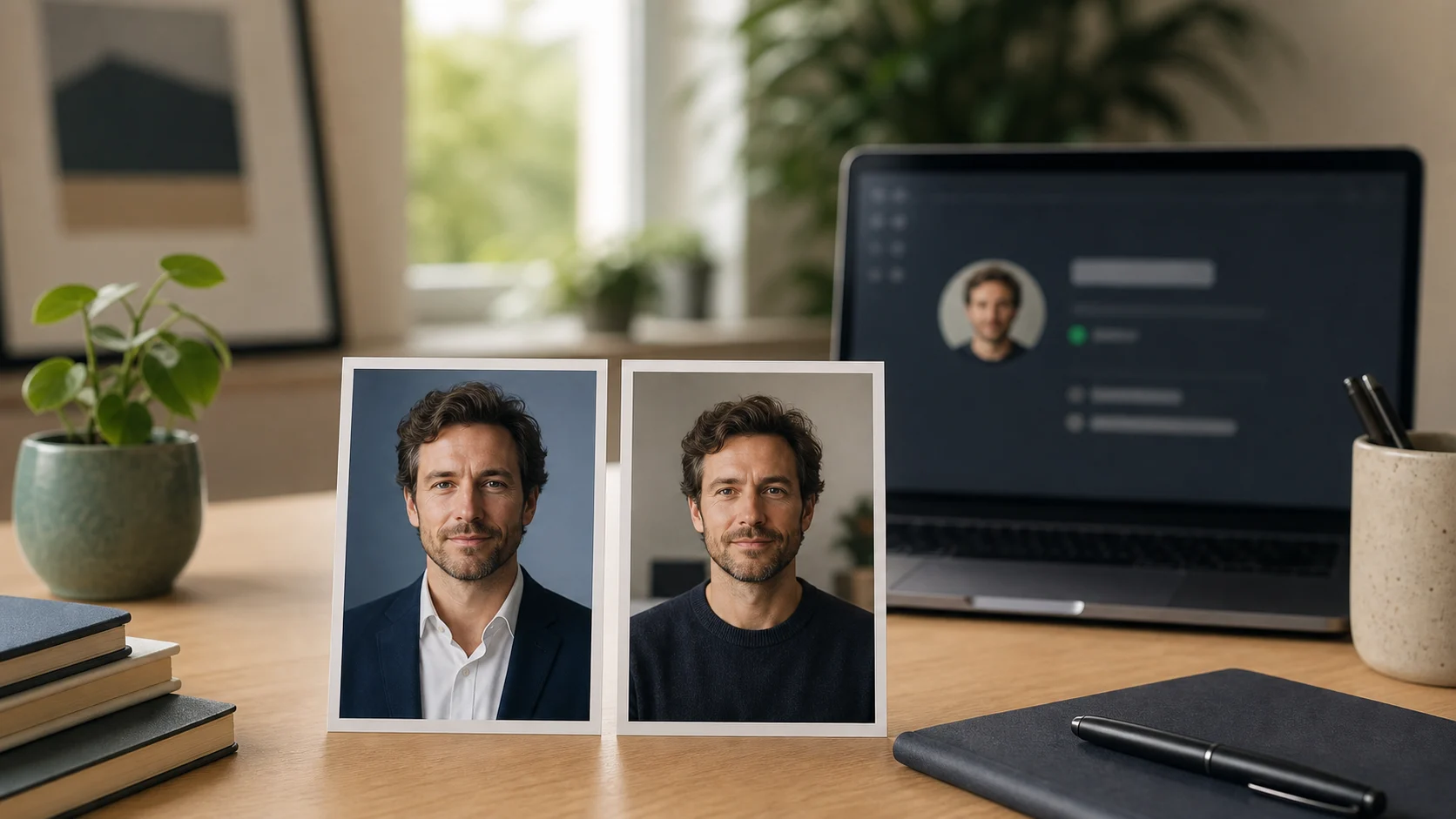
Before judging an internal photo, mentally shrink it to the size of a chat avatar. Is the face still recognisable? Are the eyes visible? Does the background blend into hair or clothing? Is there too much empty space?
An internal profile photo needs to survive three contexts:
| Use case | What must remain readable |
|---|---|
| Message avatar | face, contrast, gaze direction |
| Profile card | expression, clothing, background |
| Meeting or directory | consistency with your real role |
The common mistake is choosing a good-looking image at full size. In a thumbnail, it becomes a light or dark blob. For internal tools, readability beats sophistication.
What visual codes work for hybrid work?
The most effective internal portrait follows four simple rules.
Shoulders or chest-level framing. The face must be large enough to read, but not so close that it feels intrusive. Keep shoulders visible, avoid cropped heads, and place the gaze close to eye level.
A calm background. Plain wall, softly blurred office, clean neutral surface. The point is not to show your home or workspace. It is to let the face do the work.
Soft light. Window light works well when it comes from the front or three-quarter angle. Harsh ceiling light, backlight and yellow webcam lighting create fatigue even when you are not tired.
An approachable expression. Slight smile, relaxed face, direct gaze. For internal tools, the signal is not "charismatic leader". It is "clear, reliable colleague you can contact."
Should you use the same photo everywhere?
Not necessarily. Consistency does not mean duplication.
You can use a more public version on LinkedIn, a quieter version on Teams and Slack, and a more institutional version on the company website. What matters is that all three look like the same person, at the same moment, in the same professional universe.
The problem starts when the images tell three different identities: polished studio headshot on LinkedIn, vacation selfie on Slack, outdated badge photo in the internal directory. That mismatch creates a small but unnecessary doubt.
What Selfie Pro can help with
A corporate photographer remains the best option for aligning a full leadership team or official team page. For an individual Teams or Slack photo, AI can be more pragmatic: start from a recent selfie, generate a sober and readable professional version, and keep it visually consistent with your other profiles.
The right brief is not "make me look better". It is: "keep me recognisable, improve the light, simplify the background and create a credible photo for hybrid work."
Prêt à essayer ?
Prepare my hybrid-work photo →FAQ
What size should a Teams or Slack profile photo be?
Use a high-resolution square image, then check the thumbnail. Technical requirements can change by platform, but the visual rule stays the same: centred face, clear contrast, calm background.
Can I use my LinkedIn photo?
Yes, if it still feels natural and recognisable internally. If your LinkedIn headshot is heavily staged, a simpler version often works better for Teams, Slack and directories.
Is an AI-generated profile photo acceptable at work?
Yes, if it remains faithful to your face and does not misrepresent your appearance. It should improve light, background and framing, not invent another person.
Should companies require profile photos?
It is better to offer a visual standard than to force one bluntly. A profile photo touches personal image. The better approach is to explain the usefulness, provide an easy option and respect sensitive cases.
Sources
Read next.
photo-developpeur-freelance
Freelance developer photo: look credible on GitHub and LinkedIn
GitHub, LinkedIn, portfolio: the right freelance developer photo should signal reliability, clarity, and collaboration, not a staged tech persona.
creative-freelance-photo
Creative freelance photo: signalling your style
AD, motion designer, graphic designer: your photo must show your style without falling into the creative cliché. Method and concrete examples by trade.
interior-designer
Interior designer photo: show the method, not just the decor
Portfolio, LinkedIn, client proposal: how interior architects and designers can choose a photo that builds trust without looking like a furniture ad.