email-signature · 7 min
Professional email signature photo: useful or just visual weight?
Should you add your portrait to an email signature? The answer depends on context, visual weight and consistency with LinkedIn, your website and B2B conversations.
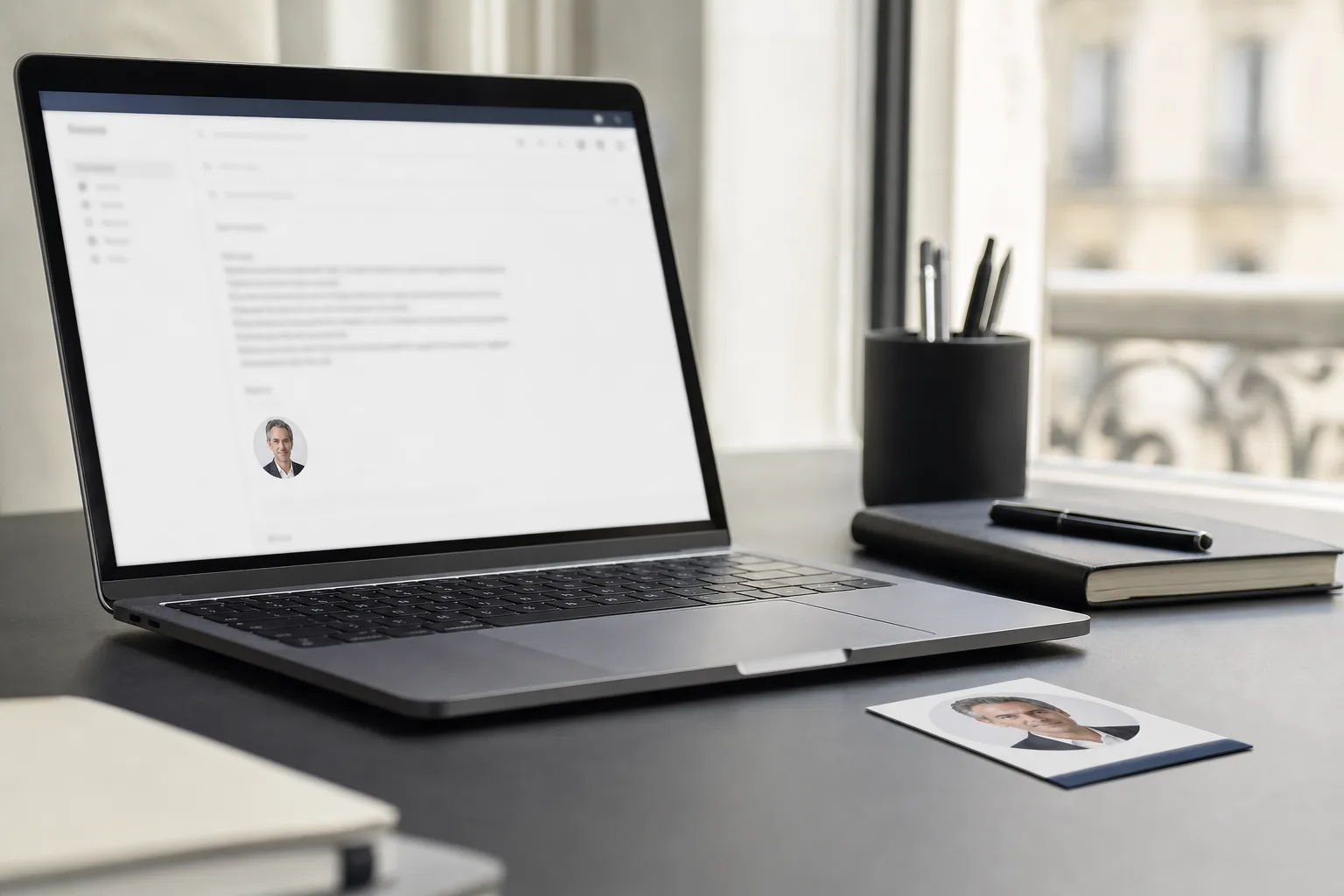
An email signature photo is useful only when it reduces uncertainty for the recipient. It should help someone recognise a person, not turn every message into a miniature sales brochure. The right signature stays light, readable, consistent with LinkedIn and easy to ignore when the email needs to move fast.
The topic looks small, but email often arrives at decision moments: a quote, a follow-up, a hiring reply, a meeting request or a customer support answer. Gmail and Outlook both let users add signatures and images, but the technical option is not the same as a good communication choice.
When does an email signature photo really help?
The photo helps most when the recipient needs to put a face to a still-cold relationship. That includes B2B sales, consulting, recruiting, accounting, real estate, founder-led sales or high-touch customer support. In these situations, the photo is not selling appearance. It simply says: "there is an identifiable person behind this exchange".
The strongest use case is continuity. The recipient has seen the same face on LinkedIn, a team page, a video-call invite or a proposal document. The email confirms that they are speaking to the same person. Like a visual identity system, repetition lowers noise. If the signature shows a different, older or more flattering photo than the other touchpoints, it creates the opposite signal.
When does the photo become a problem?
A photo becomes heavy when it matters more than the email content. Large portrait, logo, banner, social icons, disclaimer, slogan, certification badge, award: the signature can become visually louder than a three-line reply. In a fast thread, that is like adding a poster under a sticky note.
Gmail says an image added to a signature counts toward the signature limit, and Google Workspace notes that some Drive images must be shared publicly to appear in a signature. Outlook also supports inserting images, with attention to resizing and display behaviour. The practical point is simple: the more a signature depends on visual elements, the more likely it is to break, bloat or appear awkwardly.
What size and crop should you use?
The photo should be a thumbnail, not a portrait feature. Use a face-and-shoulders crop, a calm expression, a plain or very quiet background, and a simple round or square shape. If the photo is not understandable when small, it does not belong in a signature. If it pulls the eye before the subject line or message, it is too large.
The most reliable test is visual: send yourself an email on desktop and mobile, then look at it like a layout. Does the message remain the main area? Does the signature fit into four to six visual lines? Does the photo avoid leaving a grey block or blank hole if it fails to load? If one answer is no, simplify.

How should you decide by role?
| Situation | Photo recommended? | Why |
|---|---|---|
| B2B sales or founder | Yes, if restrained | humanises a cold and repeated relationship |
| Recruiter or consultant | Yes, if consistent with LinkedIn | confirms the identity of the contact |
| Generic customer support | Often no | the role matters more than the person |
| Legal, finance, admin teams | Case by case | restraint and confidentiality come first |
| Newsletter or marketing email | Rarely | the message needs a more editorial hierarchy |
The real question is not "photo or no photo". It is: "does the recipient gain anything by seeing my face here?" If the answer is recognition, trust or continuity, the photo can help. If the answer is decoration, ego or corporate dressing, it adds noise.
How do you stay consistent with LinkedIn, website and video calls?
The email signature is a secondary surface. It should not invent a separate visual identity. Use the same photo as LinkedIn or a very close variant: same light, same expression, same level of formality. The reader should move from a profile to an email as if moving between pages in the same document.
This consistency prevents a small but costly doubt. A polished studio portrait in the signature, a casual selfie on LinkedIn and an old team photo on the website create three versions of the same person. In B2B this is not dramatic, but it is untidy. A well-framed professional photo can become the common base and then be cropped for each format.
If your current photo is decent but poorly cropped for small formats, you can upload a photo and generate a professional portrait with a simple brief: email signature, readable thumbnail, soft light, neutral background, LinkedIn consistency.
What privacy and accessibility limits matter?
A face photo is personal data when it identifies a person. CNIL explains that an image can directly or indirectly identify an individual. This does not ban signature photos, but it calls for a clean process: use a recent photo, approved by the person, appropriate for professional use and easy to remove if the context changes.
For accessibility, a signature photo is often informative because it identifies the sender. W3C guidance says text alternatives should convey the useful meaning of the image, not a long decorative description. In a signature, simple alt text such as "Professional portrait of [Name]" is enough when the email client exposes it. If the image adds no information, treat it as decorative or remove it.
Quick photo brief for an email signature
- Tight face-and-shoulders crop, readable at very small size.
- Neutral, clear or slightly warm background, with no text or logo.
- Calm expression, direct gaze, light smile if the role allows it.
- Same photo or visual direction as LinkedIn and the team page.
- Light file, clean crop, no banner and no graphic effects.
- Signature tested in Gmail, Outlook, mobile and dark mode when possible.
- Subtle retouching: improve light and crop, never transform the face.
FAQ
Should every email signature include a photo?
No. A photo is useful when the relationship depends on identifying the person: sales, consulting, recruiting or ongoing customer relationships. For a generic mailbox or purely administrative email, it may add nothing.
What photo should I use in an email signature?
Use a recent professional portrait, tightly cropped, consistent with LinkedIn and readable as a thumbnail. Avoid vacation photos, wide portraits, complex backgrounds and heavily retouched images.
Can an AI photo work?
Yes, if it remains faithful to the real face. It can improve light, standardise the background and create a clean thumbnail. It should not invent a misleading appearance or status.
Can a photo hurt email deliverability?
This article cannot promise a universal effect because it depends on email clients, signatures, servers and internal policies. What is certain: a heavier signature is more fragile. Always test rendering before rollout.
Sources
Read next.
photo-developpeur-freelance
Freelance developer photo: look credible on GitHub and LinkedIn
GitHub, LinkedIn, portfolio: the right freelance developer photo should signal reliability, clarity, and collaboration, not a staged tech persona.
creative-freelance-photo
Creative freelance photo: signalling your style
AD, motion designer, graphic designer: your photo must show your style without falling into the creative cliché. Method and concrete examples by trade.
interior-designer
Interior designer photo: show the method, not just the decor
Portfolio, LinkedIn, client proposal: how interior architects and designers can choose a photo that builds trust without looking like a furniture ad.